

Get 20 bonus credits on your first connection
Generate product images and short videos inside ChatGPT and Claude
Connect Aibubu's MCP server and let your assistant pick a model, quote the cost, generate and batch the work.
- 1
Connect and approve
Add Aibubu in your client, sign in, and choose the permissions to grant. History and assets can be switched off.
Add Aibubu as a custom connector in ChatGPT, then sign in and approve access to the generation tools.
Server URLhttps://aibubu.ai/mcpNo API key needed. Sign in and approve the connection.
- 2
Start with a prompt
Upload a product image, describe the result, and the assistant quotes the cost before generating.
See the full setup steps
Use cases
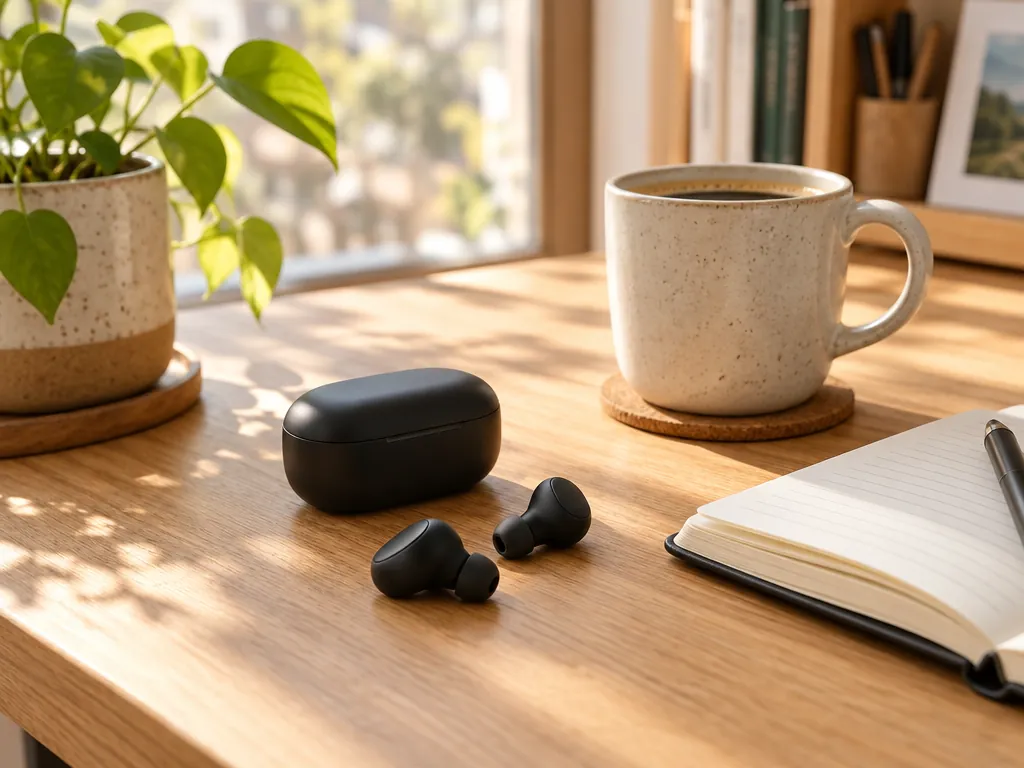
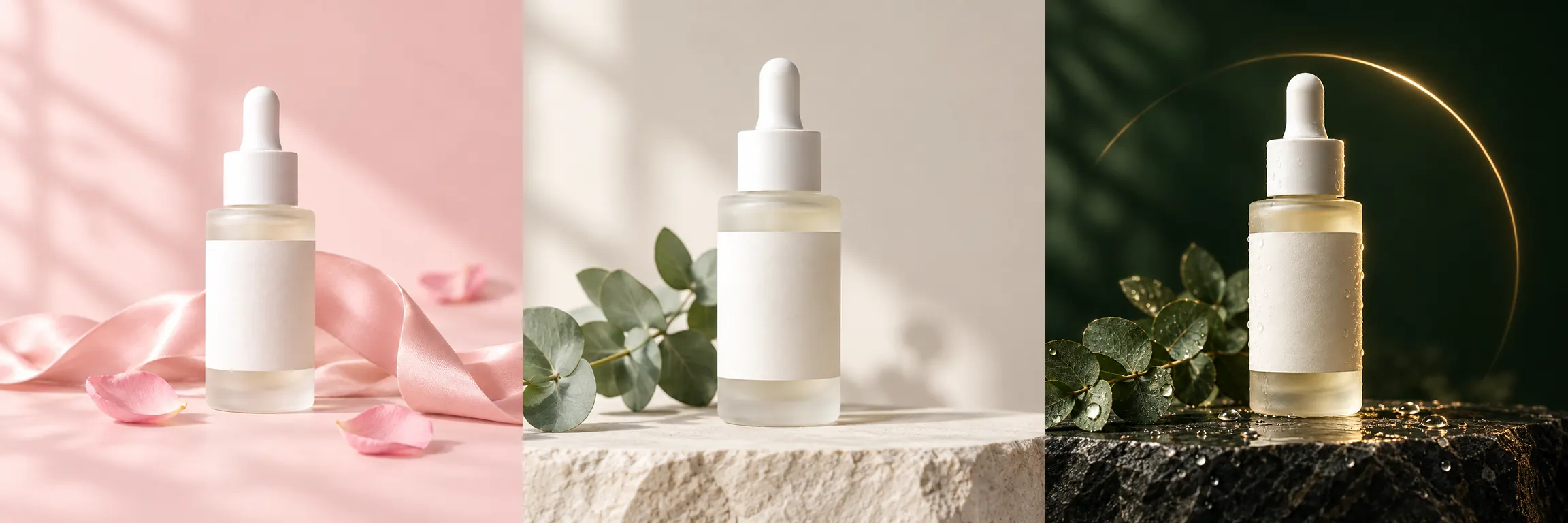
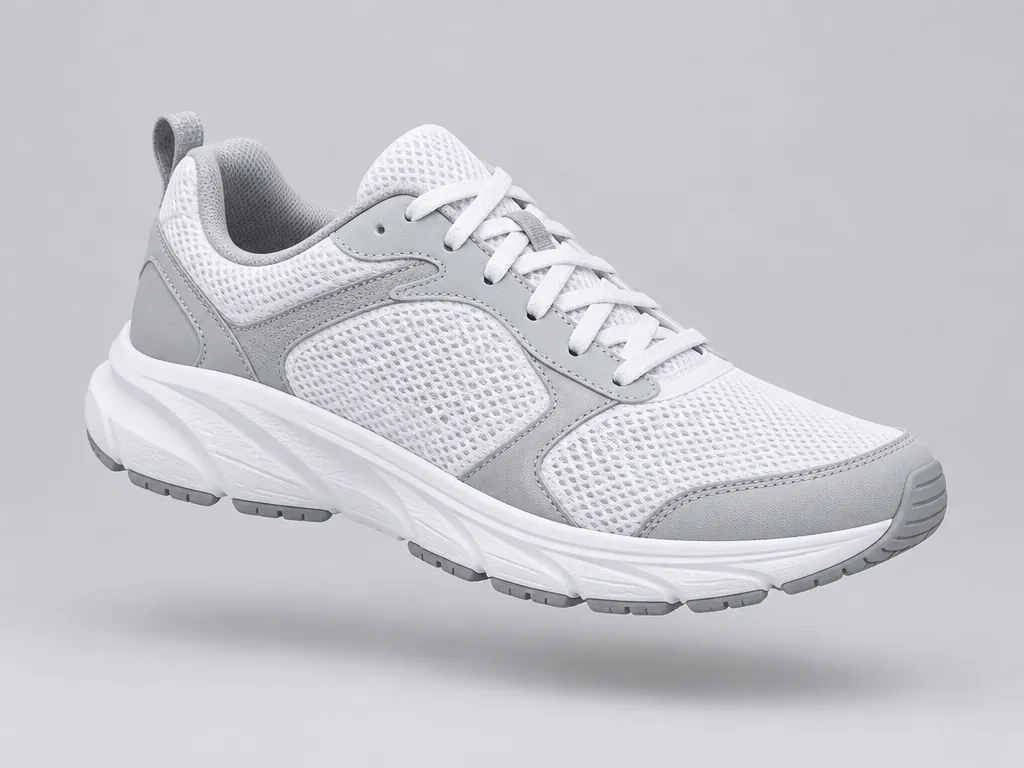
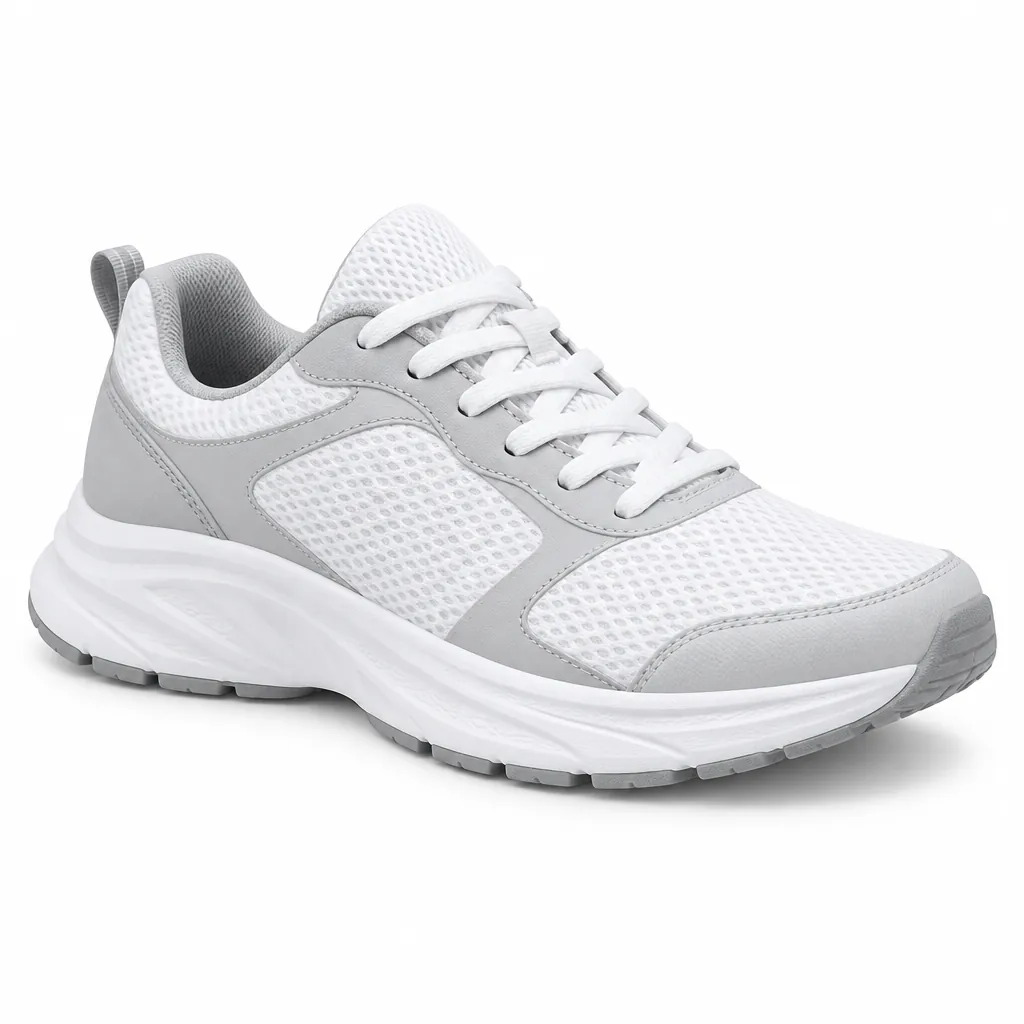
Each use case maps to an MCP prompt template you can try in Claude or ChatGPT.